
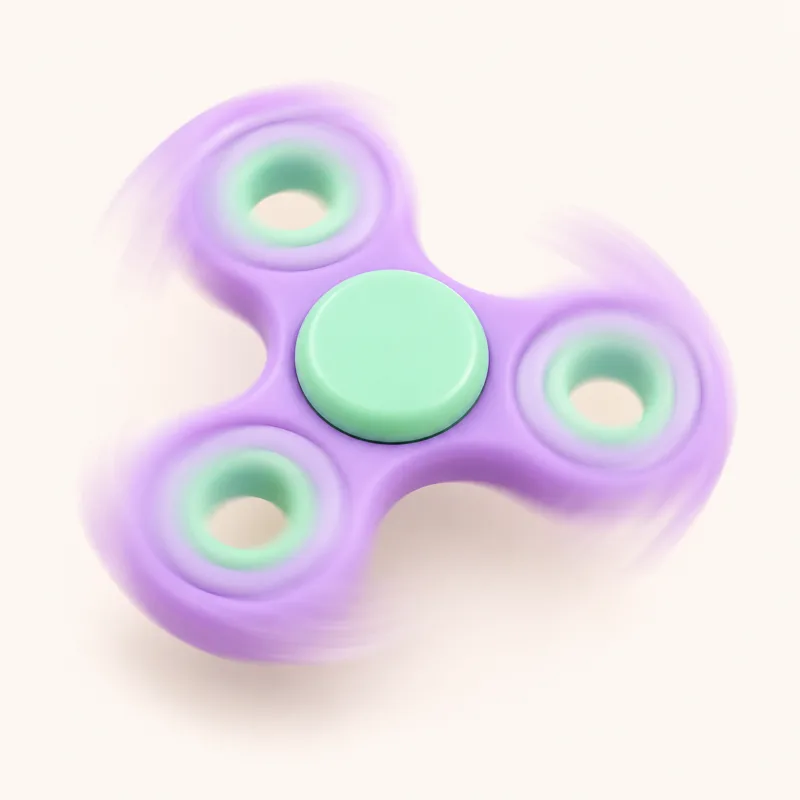
Fidget Spinner Online
Flick it and watch it glide. No ads, no tracking, nothing to sign up for.
Ask a grown-up
This one comes with Family Plus. A grown-up can take a look.
Time for a little break
Your fidgets will be right here when you come back.
A fidget spinner with real spin
Put a finger on the spinner, flick it round and let go. It keeps the speed you gave it and slowly winds down on its own, the way a real spinner does on a good bearing. A gentle flick gives a lazy turn; a big flick sends it whirring for a long time. Touch it again to catch it.
As each arm passes the top you hear a soft tick, and the ticks speed up and slow down with the spin. Turn the sound off or switch to wood or water ticks in Settings. If moving pictures are too much, Less motion removes the blur effect.
Free, and nothing in the way
Most fidget spinner apps stop for adverts between spins. This one never does, because Unruffled has no ads on any plan. It runs in the browser on tablets, phones and computers, with nothing to download, no account and no trackers.
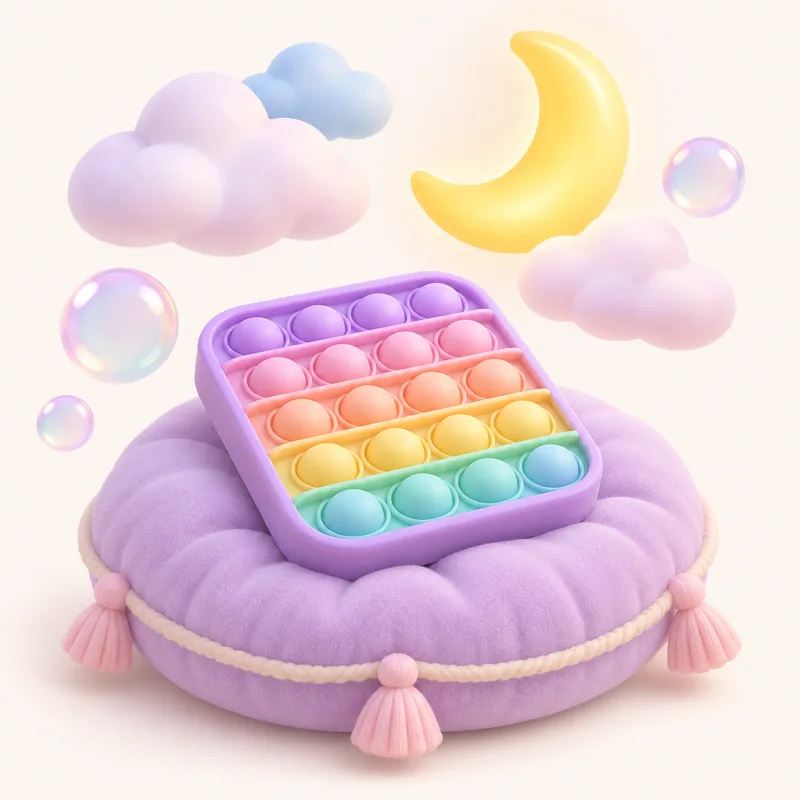
Tap Color to try a different spinner. When you have had enough spinning, try the bubble wrap or the pop-it, both free as well.
Questions parents ask
How do I spin the fidget spinner online?
Put a finger on the spinner and flick it round in a circle, then let go. The faster you flick, the faster and longer it spins. Touch it to stop it.
Why does it slow down?
Like a real spinner, it has a little friction in the bearing, so it glides for a while and then gently comes to a stop.
Is the fidget spinner free?
Yes, with no account, no ads and no tracking.
Can I change its colors?
Tap Color to try another one. High-contrast and color-blind-friendly colors are in Settings.
More fidget games
-
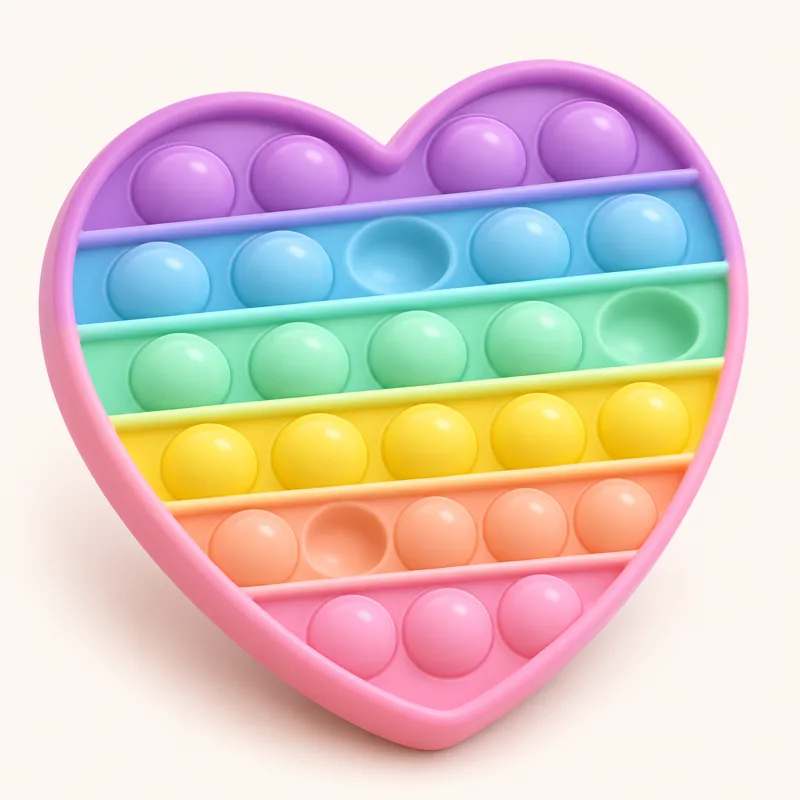 Pop-It
Pop every bubble, then flip it and pop again.
Free
-
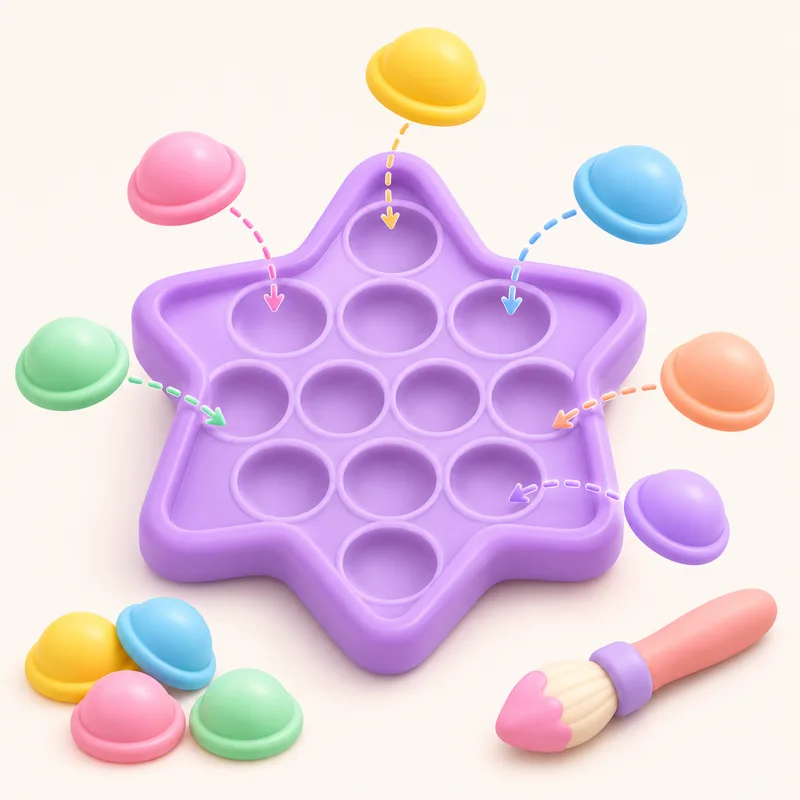 Pop Studio
Build a pop-it bubble by bubble, then pop it.
Free
-
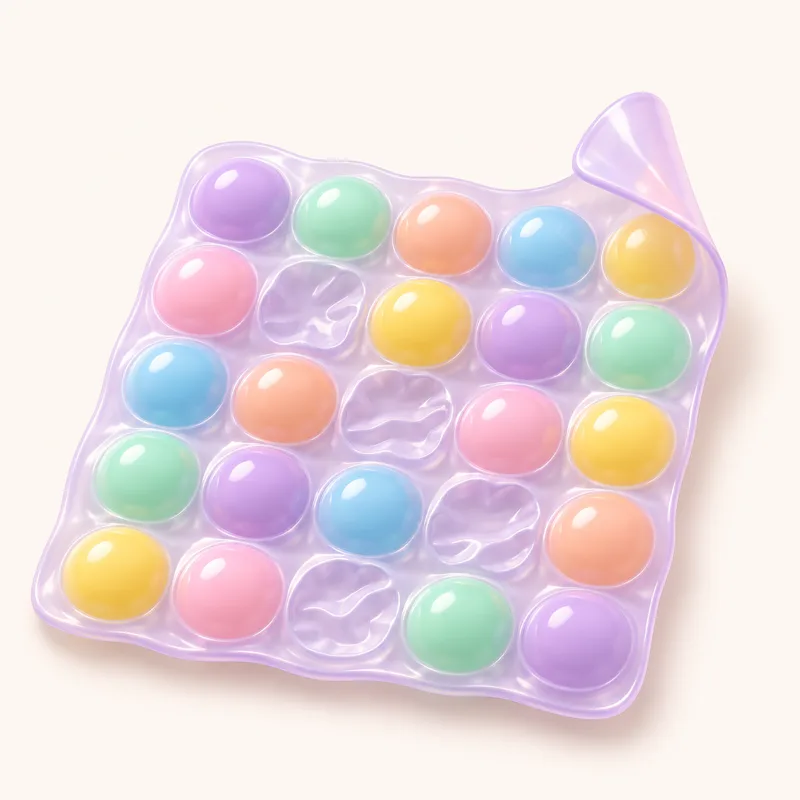 Bubble Wrap
A fresh sheet every time.
Free
-
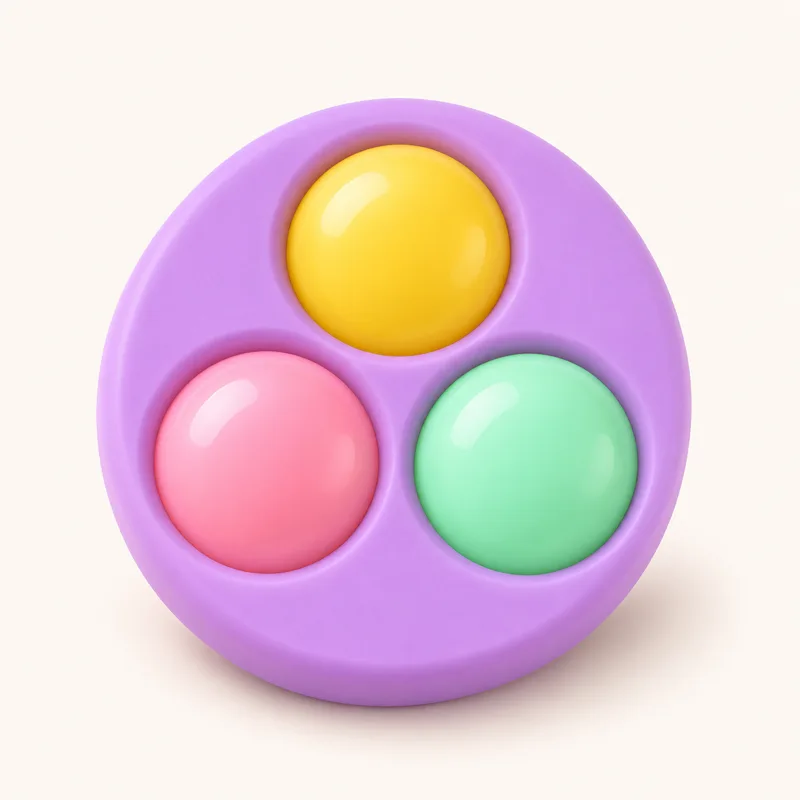 Simple Dimple
Big, chunky dimples to press.
Family Plus
-
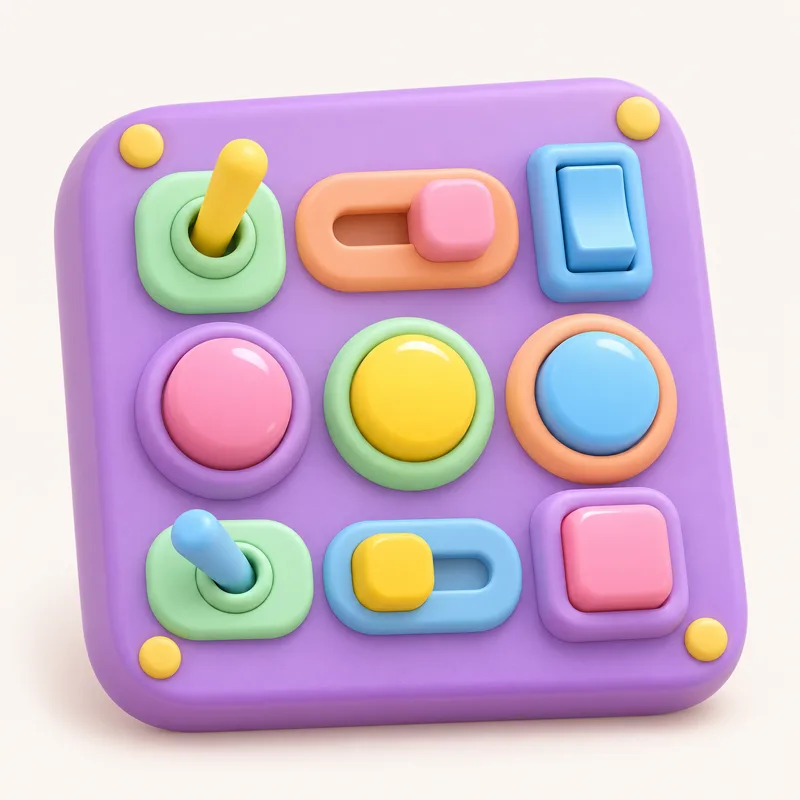 Clicker Board
Switches, lights and clicks.
Family Plus
-
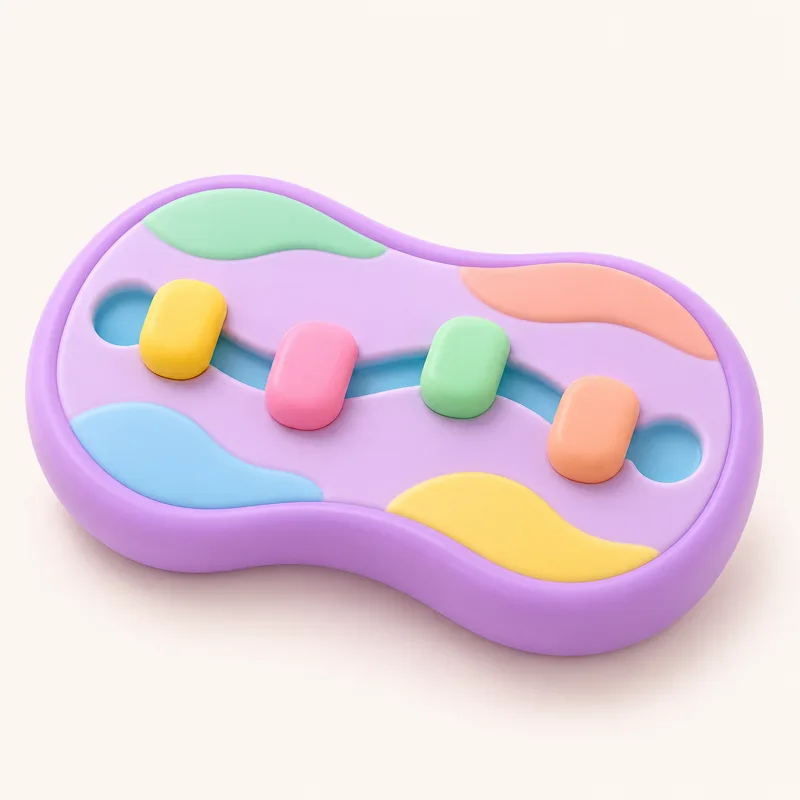 Fidget Slider
Slide the knobs, click by click.
Family Plus
-
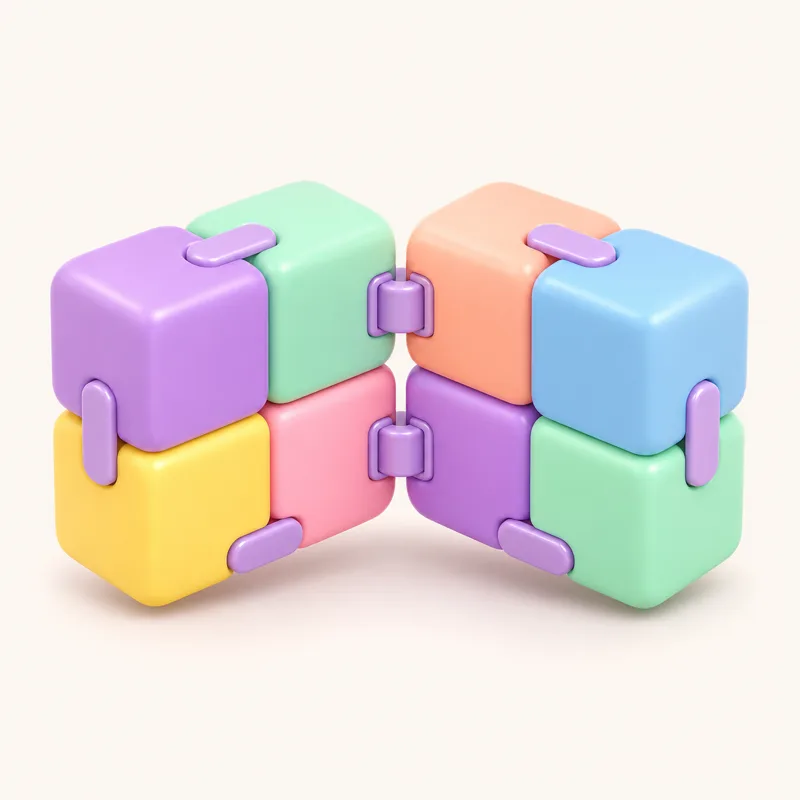 Infinity Cube
Swipe to fold it, forever.
Family Plus
-
 Squishy
Squeeze it and watch it rise.
Family Plus
-
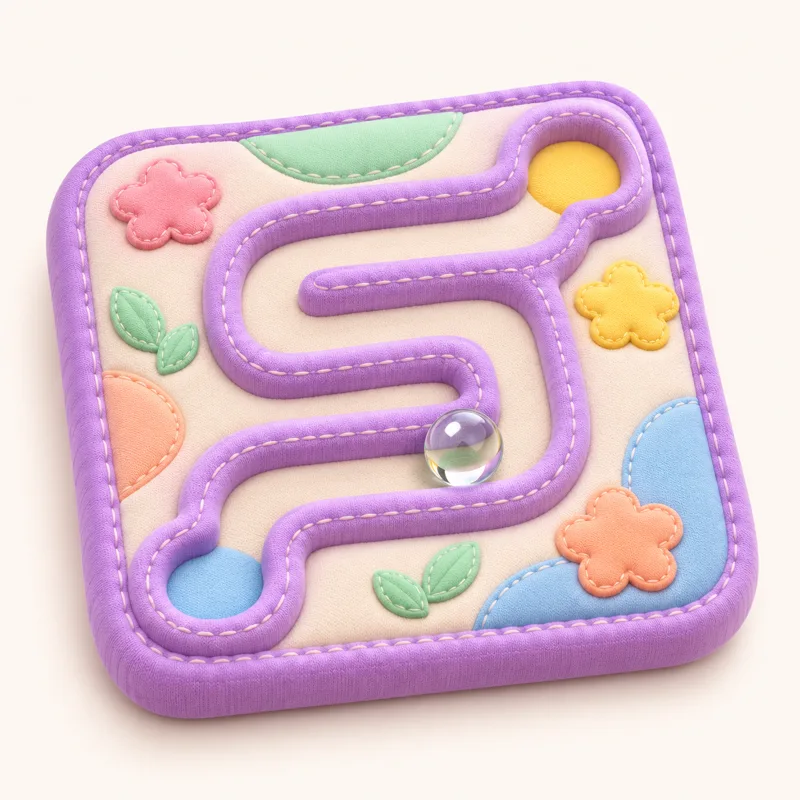 Marble Maze
Tilt to roll the marble home.
Family Plus
-
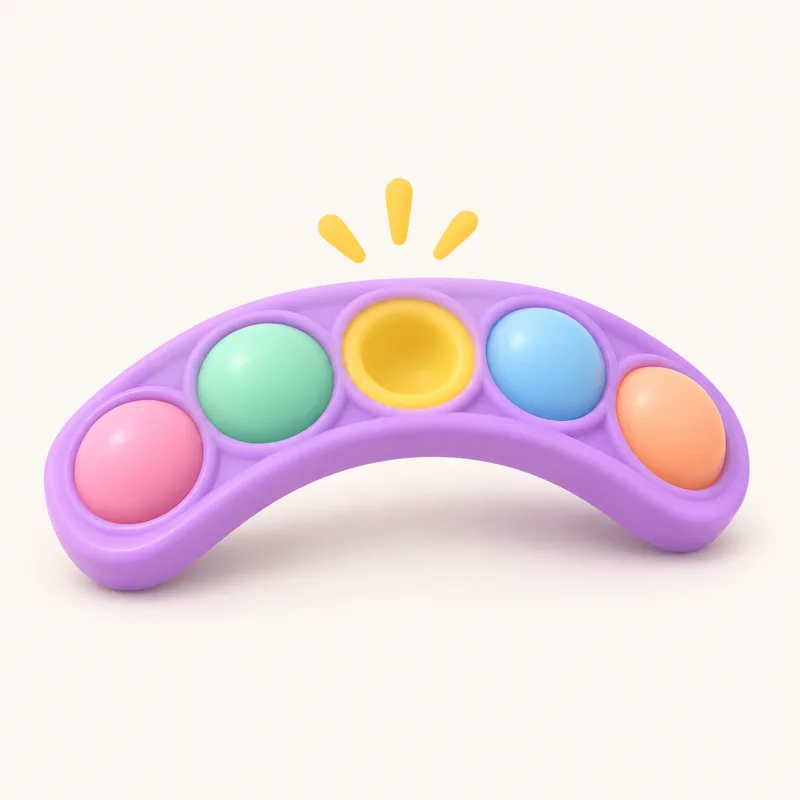 Snapper
Twist the links: snap, snap, snap.
Family Plus
-
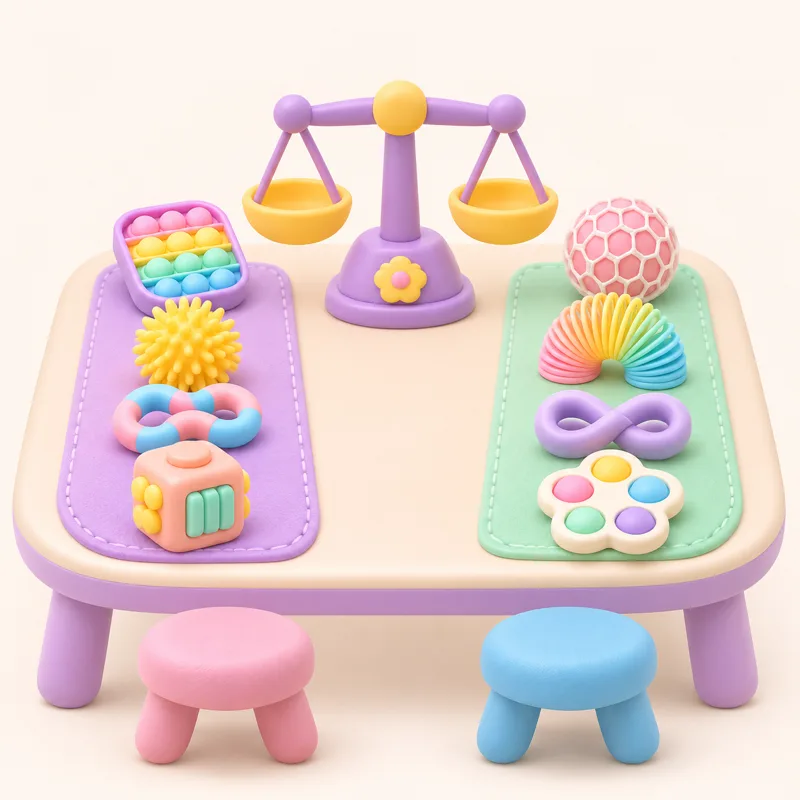 Swap Table
Fair swaps with a friendly computer.
Family Plus
-
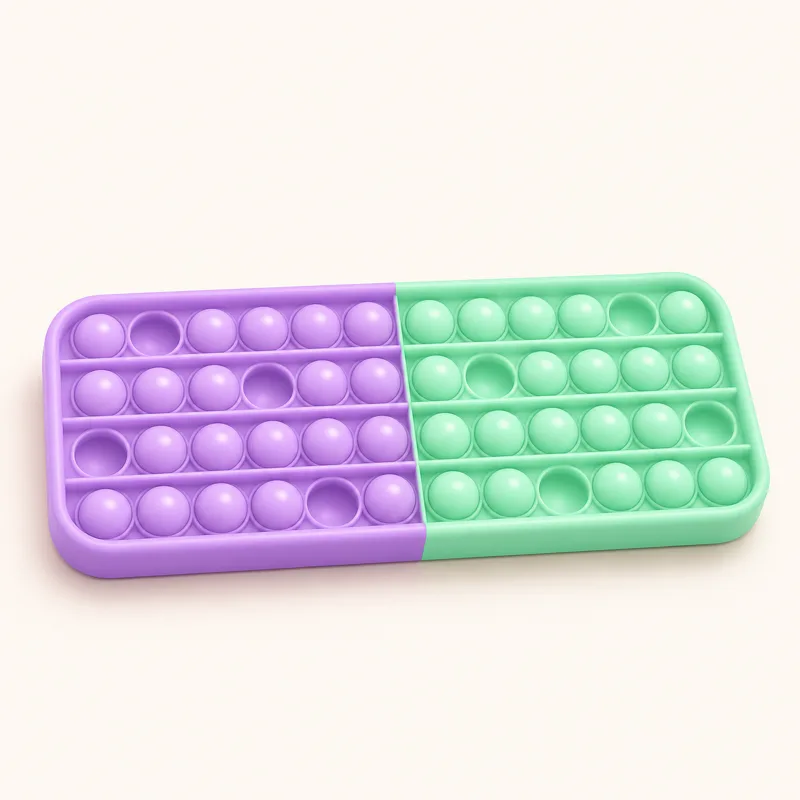 Pop-It Games
Last bubble loses, races and more.
Family Plus
-
 Calm Mode
Soft sounds, no timers, no scores.
Free