
Calm Mode and Sensory Settings
Soft sounds, no timers, no scores. No ads, no tracking, nothing to sign up for.
Ask a grown-up
This one comes with Family Plus. A grown-up can take a look.
Time for a little break
Your fidgets will be right here when you come back.
Sensory-friendly settings for every fidget
Every child takes in sound, color and motion differently, so every fidget on Unruffled can be adjusted. The settings below apply to all of them, and they are saved on this device.
Gentle stop (for grown-ups)
Off. A grown-up can set a soft reminder to take a break.
What Calm Mode changes
Calm Mode switches to soft pops, slows the animations and hides every timer, score and star. Games with a clock, like Pop Race, step out of the way. Choose soft, wood or water sounds, or silent, and set the volume. Less motion removes squash, flip and blur effects, and it is on automatically if this device asks for reduced motion.
High contrast and color-blind-friendly palettes make the bubbles easier to tell apart, and large targets makes bubbles and buttons bigger. A grown-up can also set a gentle stop: after a chosen number of minutes, the fidgets fade to a calm break screen.
We do not claim that any game treats or cures anything. These are simply settings that let families shape play around a child, with no ads, no trackers and no fail states.
Questions parents ask
What is Calm Mode?
A setting that switches every fidget to soft sounds and gentle motion and hides all timers, scores and stars. Games with a clock, like Pop Race, are hidden while it is on.
Do these games help with autism or anxiety?
We do not make health claims, and we would be wary of any game that does. What we offer are sensory-friendly settings that families can adjust to suit a child. Talk to your child’s doctor or therapist about what is right for them.
What is the gentle stop?
A grown-up can set a number of minutes. When the time is up, the fidgets fade to a calm “time for a break” screen. Nothing is lost, and only a grown-up can add more time.
Where are the settings saved?
On this device only. Nothing about the settings is sent to us.
Why does vibration not work on my iPad?
Safari on iPhone and iPad does not let web pages vibrate the device. Vibration works on most Android phones and tablets.
More fidget games
-
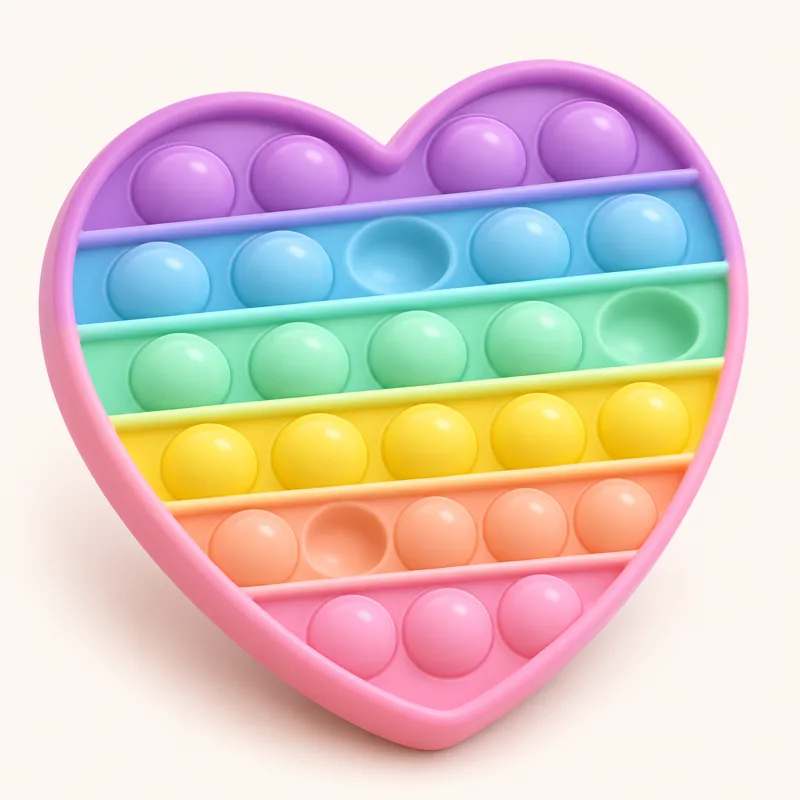 Pop-It
Pop every bubble, then flip it and pop again.
Free
-
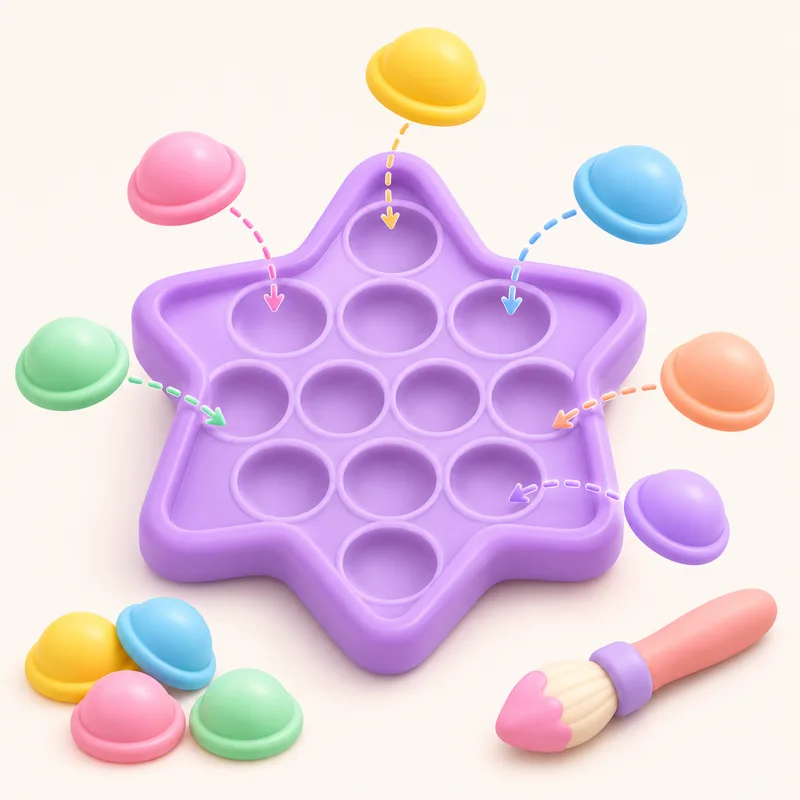 Pop Studio
Build a pop-it bubble by bubble, then pop it.
Free
-
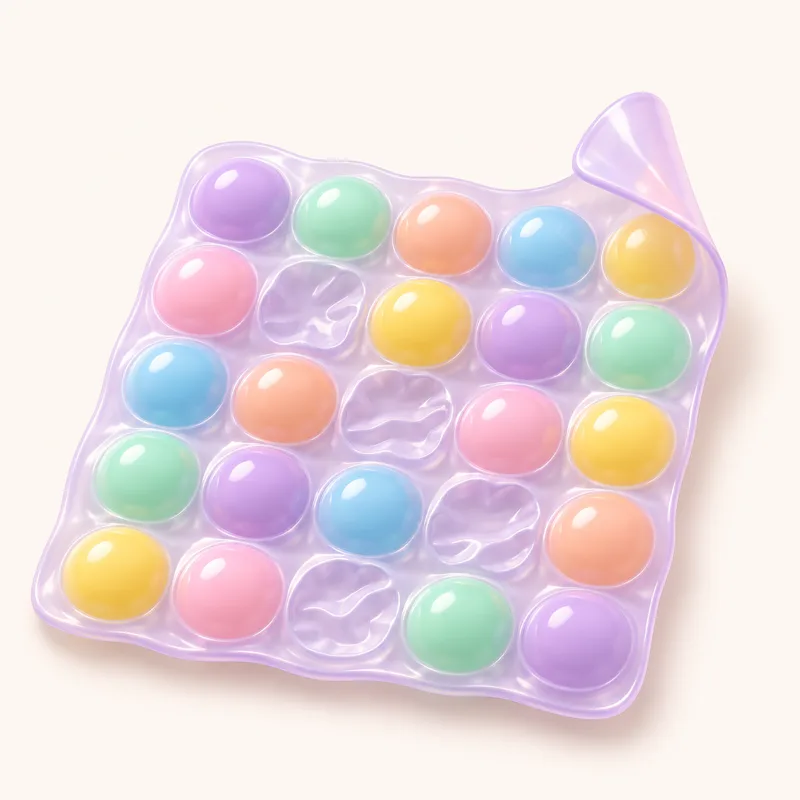 Bubble Wrap
A fresh sheet every time.
Free
-
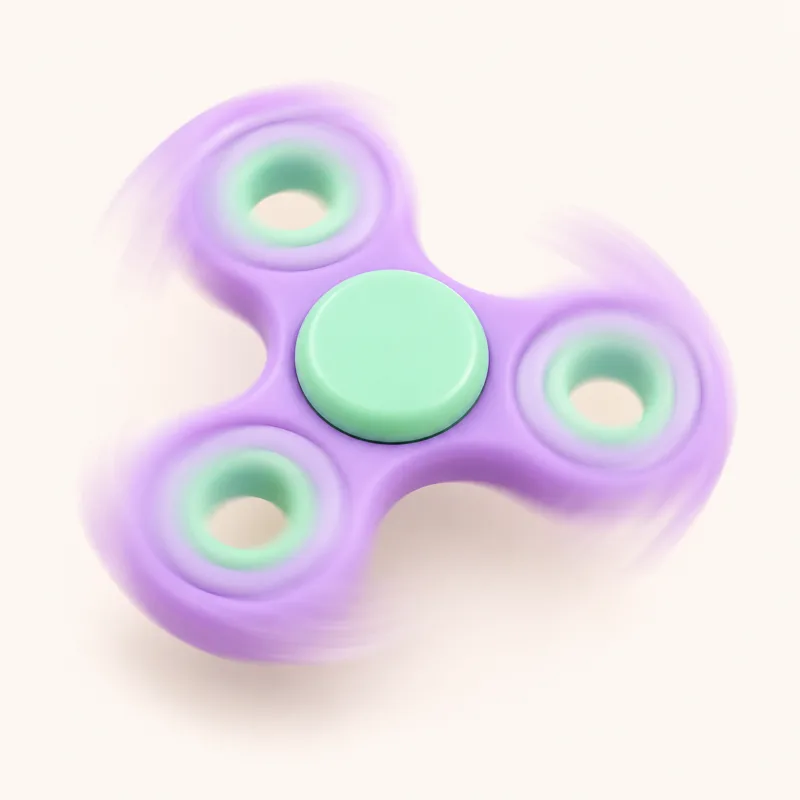 Fidget Spinner
Flick it and watch it glide.
Free
-
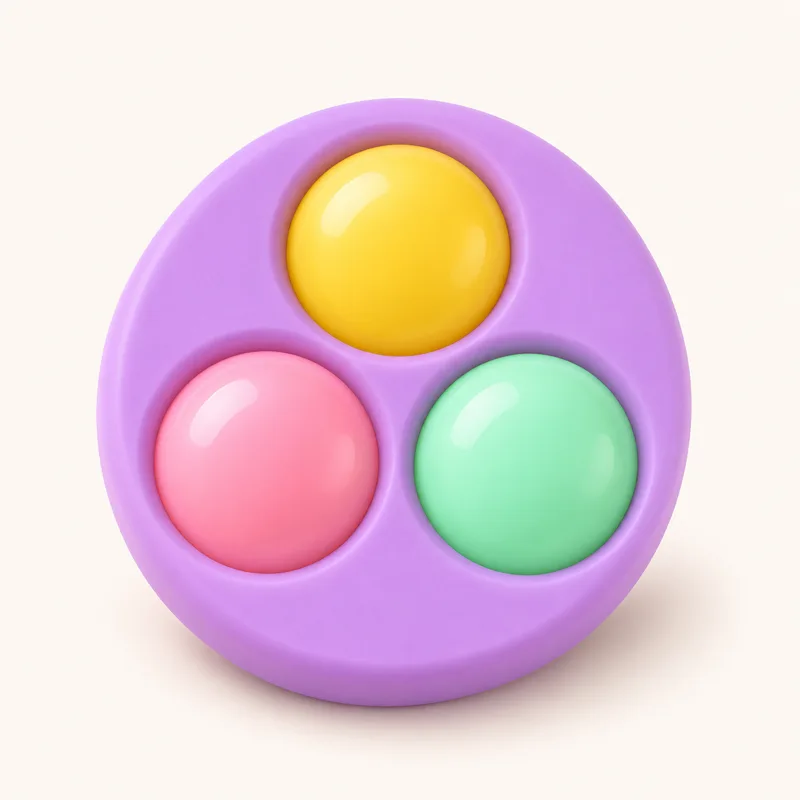 Simple Dimple
Big, chunky dimples to press.
Family Plus
-
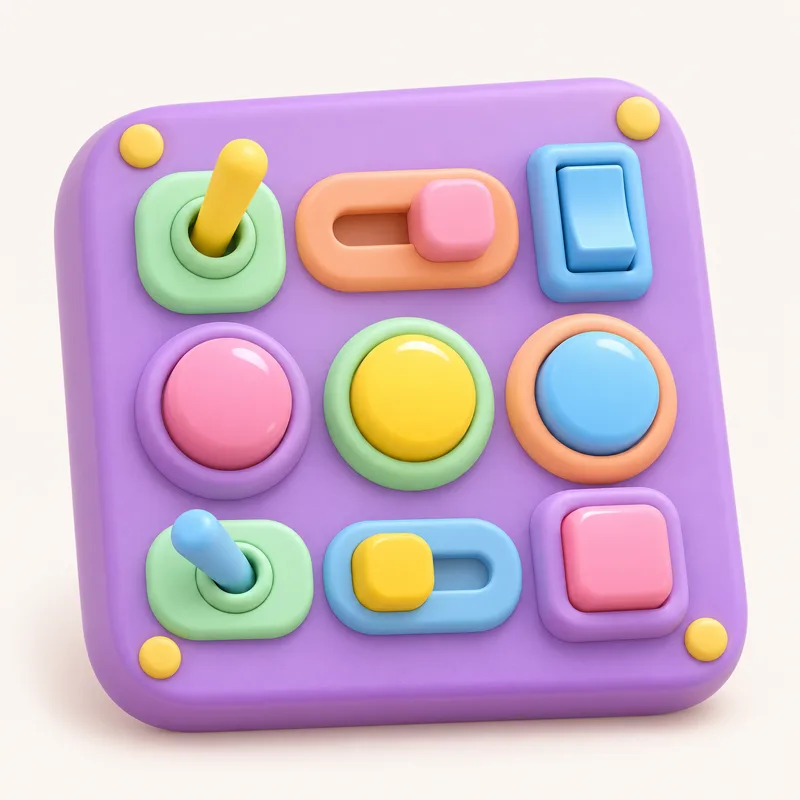 Clicker Board
Switches, lights and clicks.
Family Plus
-
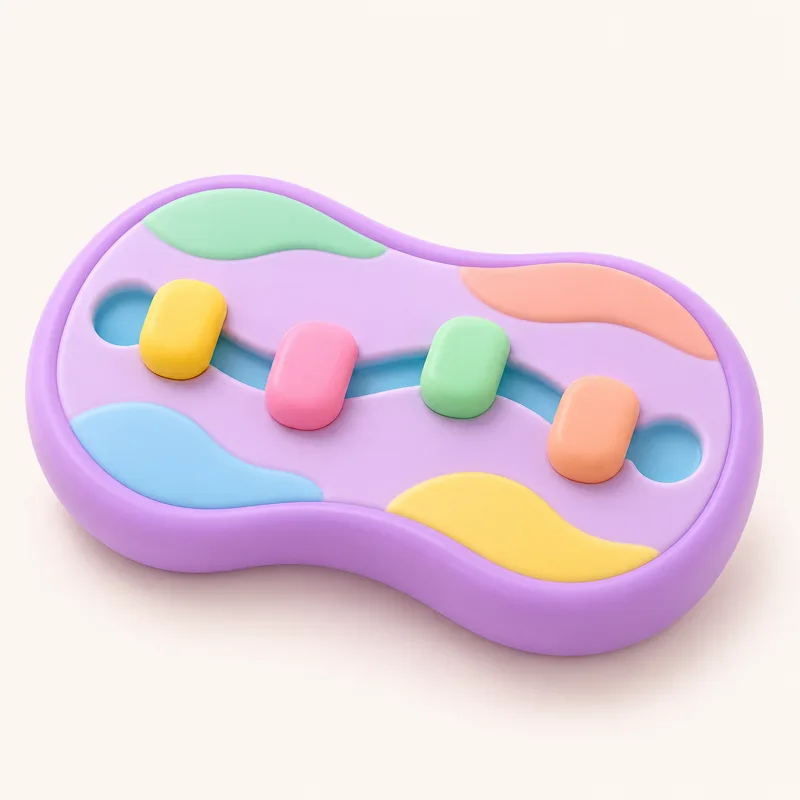 Fidget Slider
Slide the knobs, click by click.
Family Plus
-
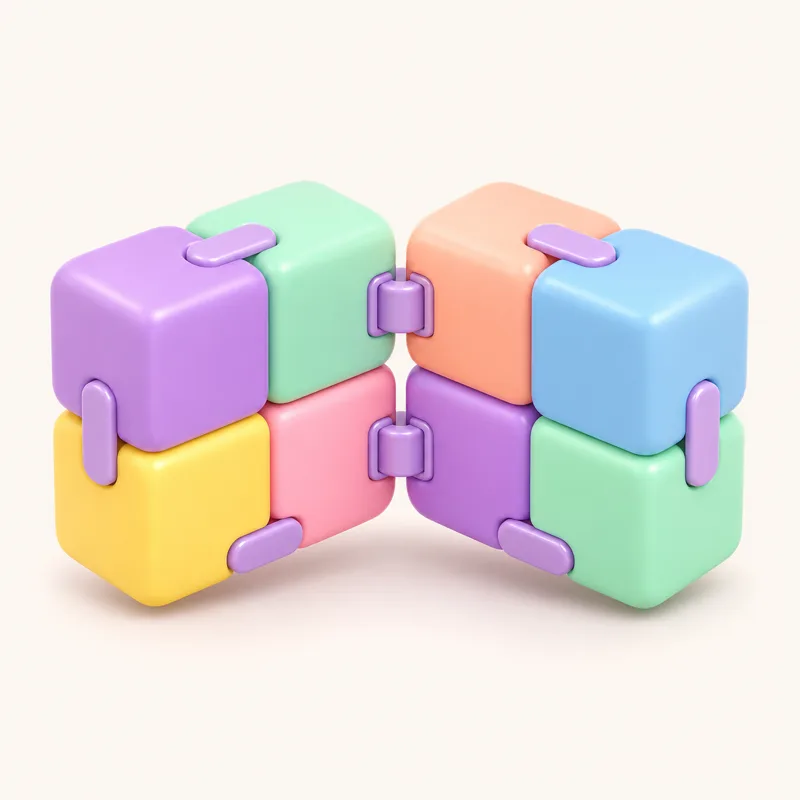 Infinity Cube
Swipe to fold it, forever.
Family Plus
-
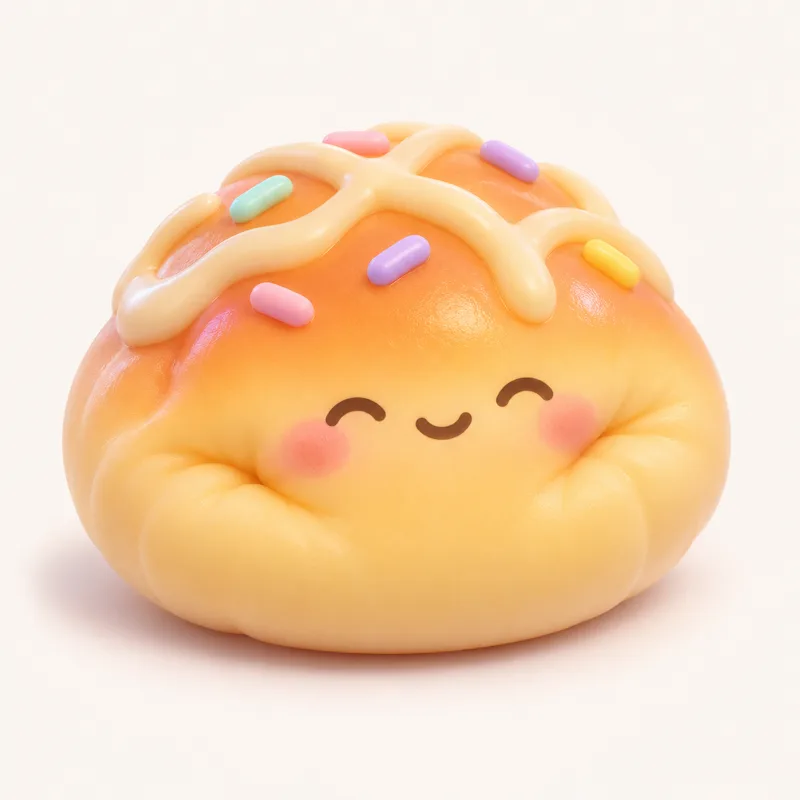 Squishy
Squeeze it and watch it rise.
Family Plus
-
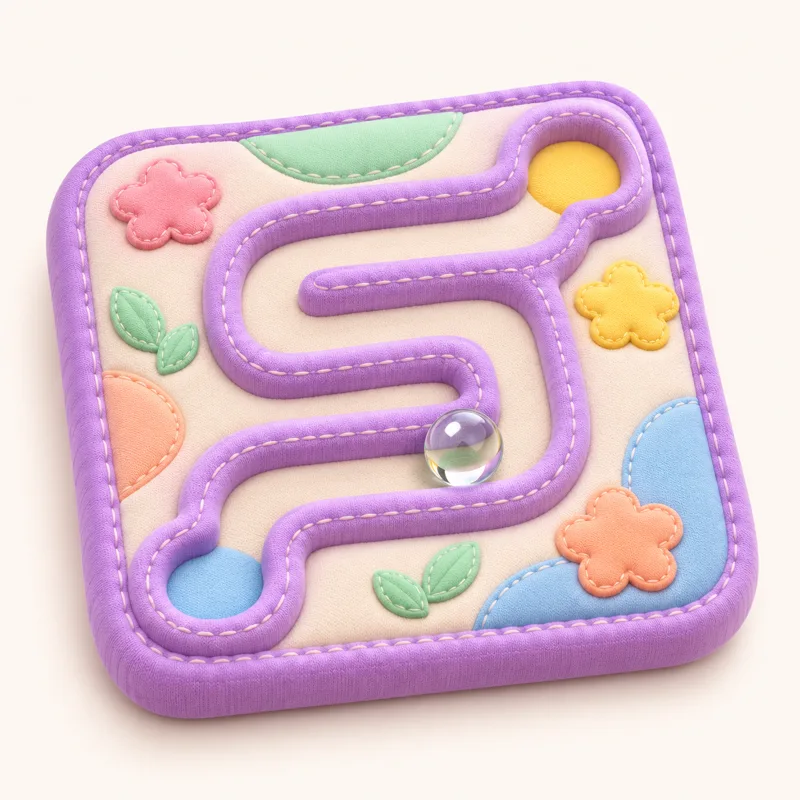 Marble Maze
Tilt to roll the marble home.
Family Plus
-
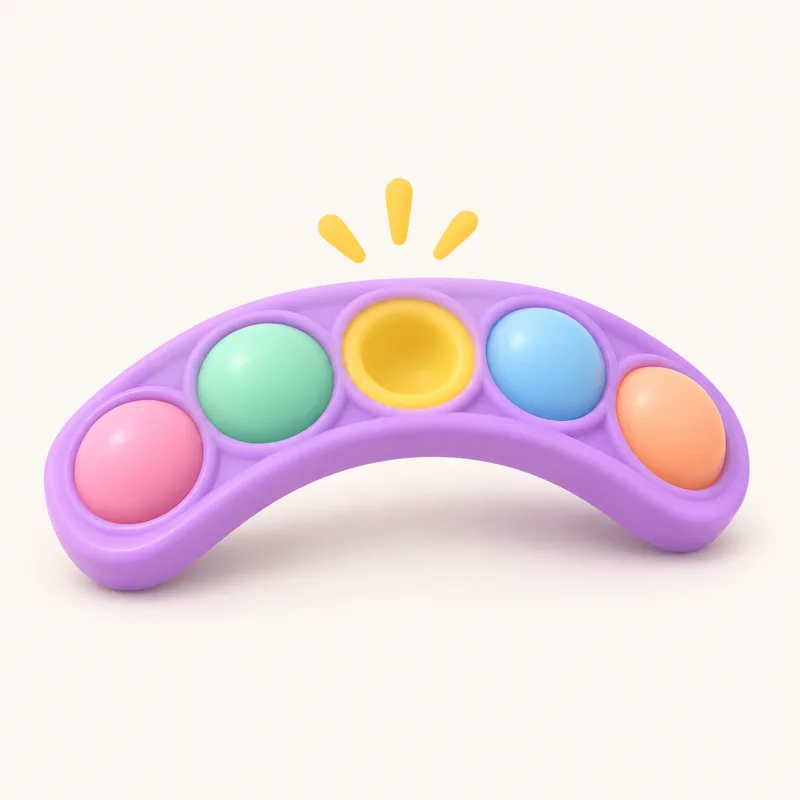 Snapper
Twist the links: snap, snap, snap.
Family Plus
-
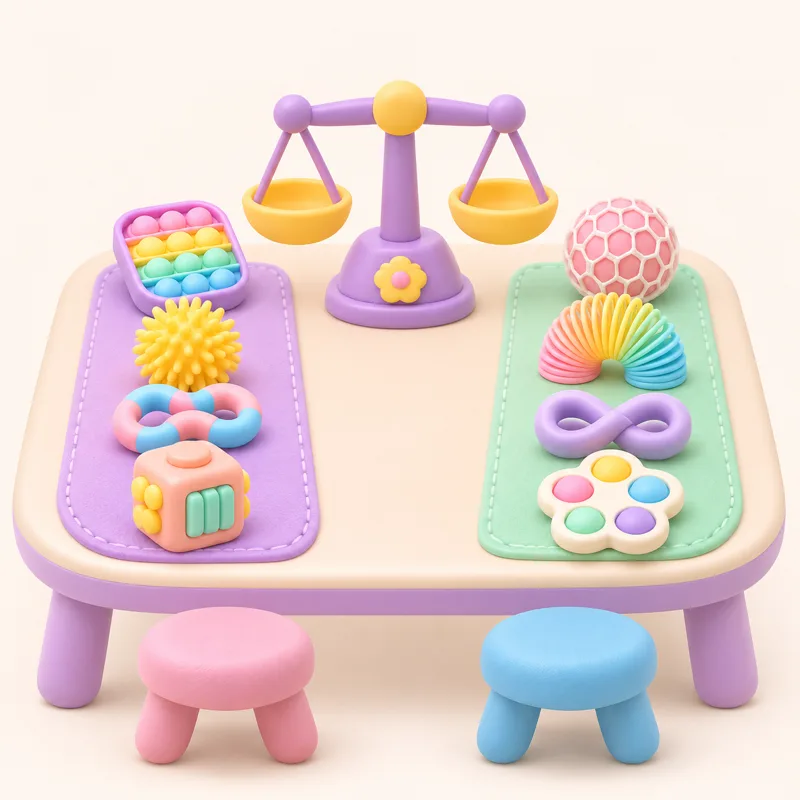 Swap Table
Fair swaps with a friendly computer.
Family Plus
-
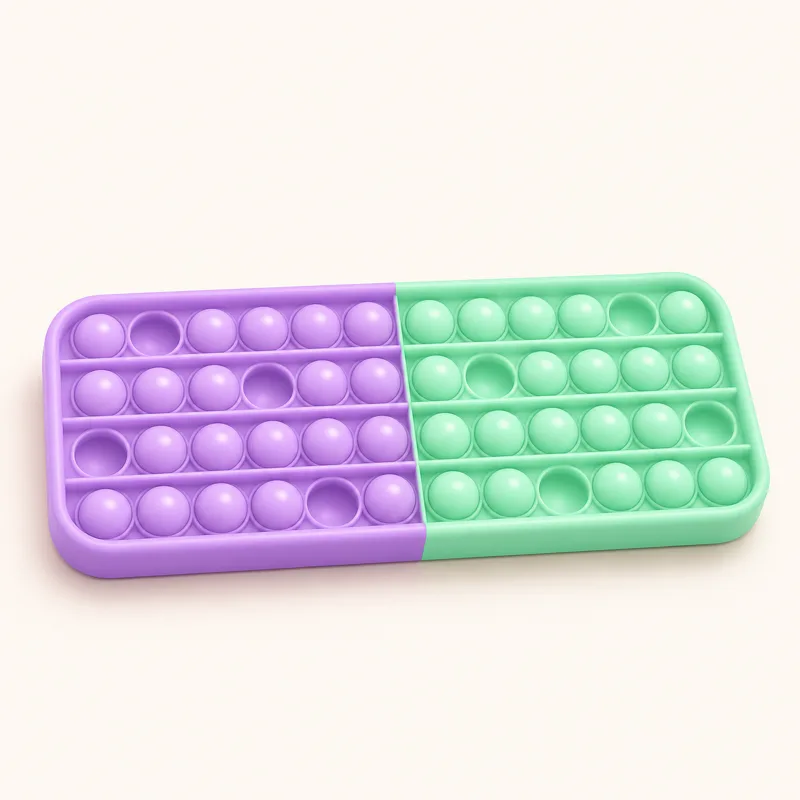 Pop-It Games
Last bubble loses, races and more.
Family Plus